
Installation – NSB Guide

by thesneakerscroll@gmail.com


SYSTEM REQUIREMENTS


Supported Devices

NSB installation is supported on all Windows, MAC M Chip, as well as MAC Intel Chip powered devices.


Minimum Specs

Recommended Specs


Installation may differ if you purchased from our website or from Whop.


PURCHASED FROM OUR WEBSITE
1. Check your email

After purchasing NSB, you will receive an email containing your license key, activation token, and the download links.

Including a discord invitation where we post instructions on every hyped release, you will be able to chat with other NSB members, and seek one-on-one help from our staff.


2. Join Discord

Click on “Join Discord” to get access to NSB discord server and channels.


3. Verify your license key

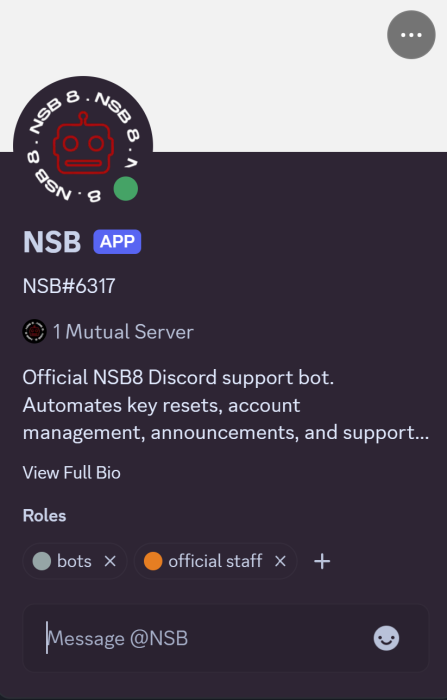
To verify your discord and get access to all our channels, make sure to send your key in a DM to @NSB bot.


PURCHASED FROM WHOP

After purchasing NSB, you can find your key and discord access directly on Whop: https://whop.com/nikeshoebot/.


1. Join Discord

Navigate to “Discord Full Access” to claim your discord roles.


2. Find your key

Go to “NSB8” to find your license key and activation token.


Post Views: 3


You may also like

Leave a Comment